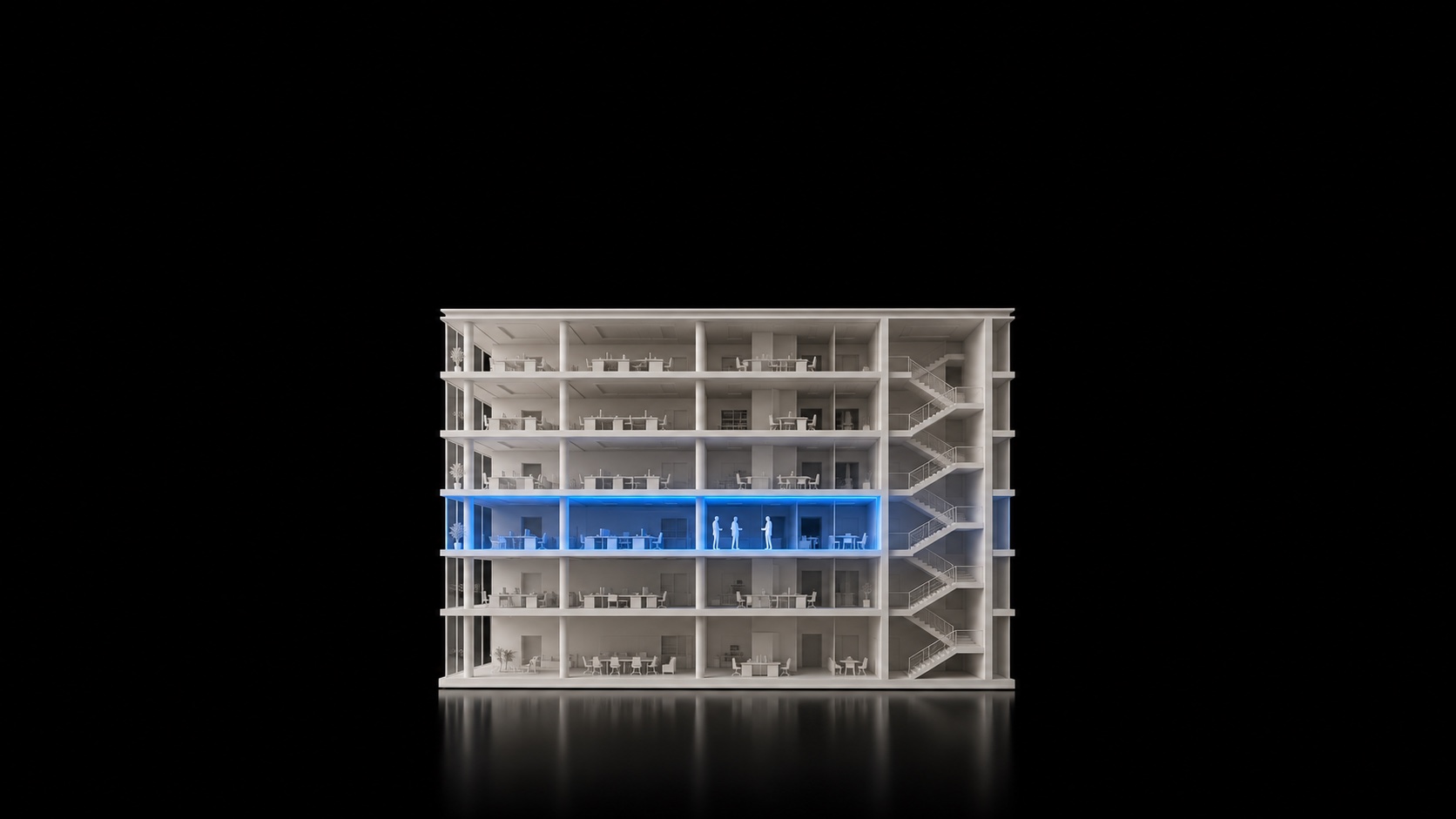
Where are your
people right now?
Use the arrow keys or click to change slides · F for full screen
Here’s how sites keep track today:
- Timesheets — by hand.
- “Where are you?” — by phone.
- Evacuation — on paper.
Attendance.
Safety.
Reports.
Three things. One app.

CI Platform
The app that keeps track of it all.
One system. Any building.
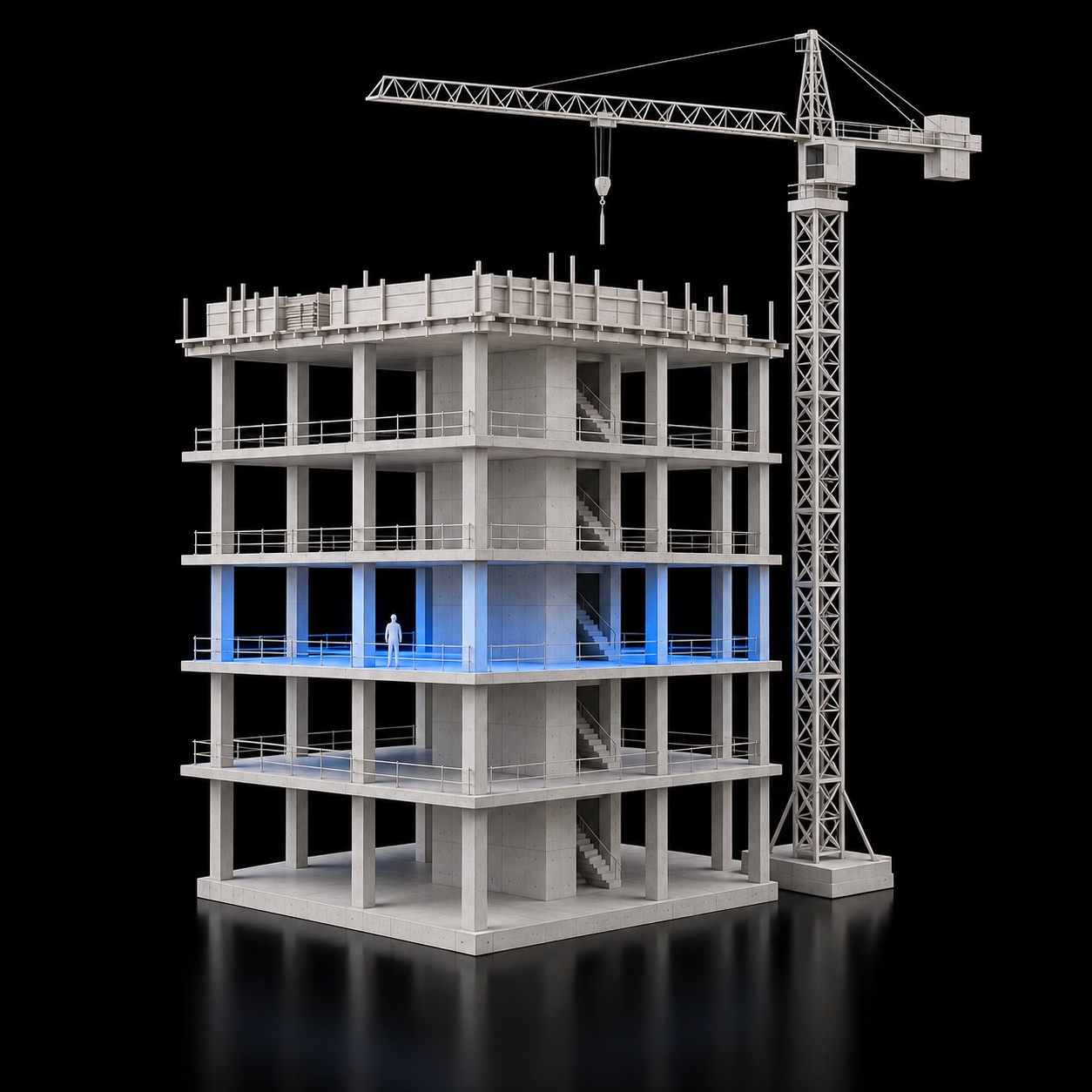 Construction site
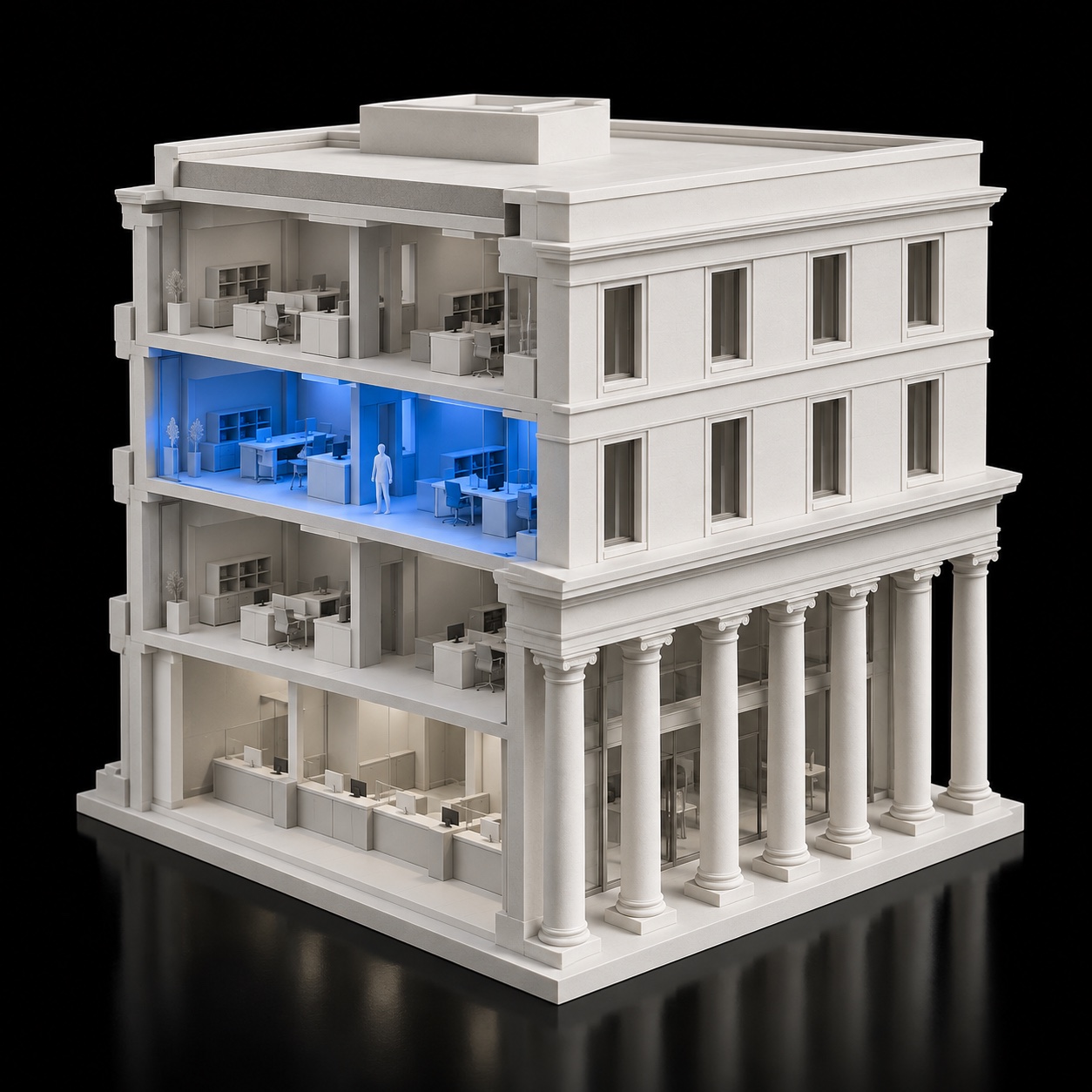 Bank branch
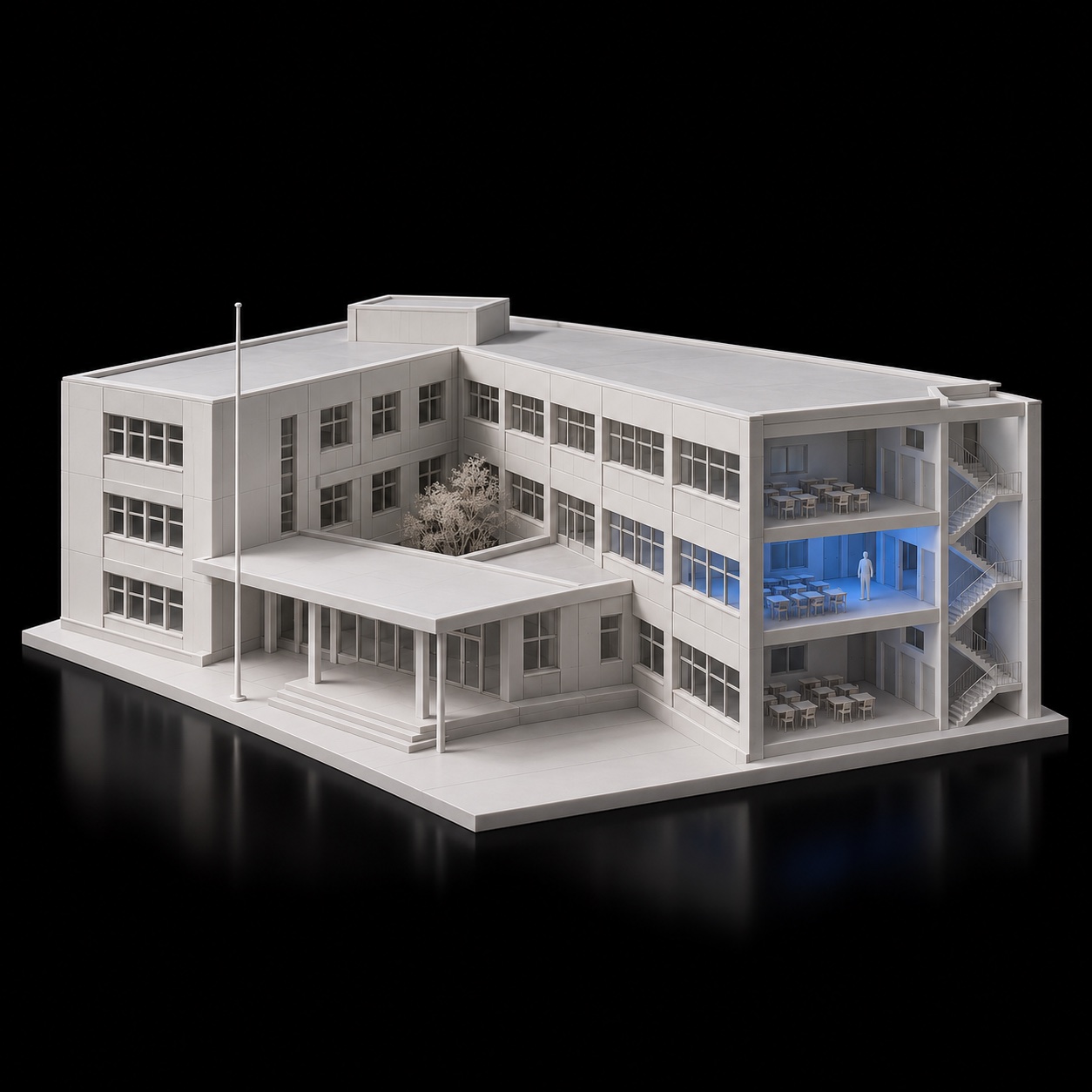 School
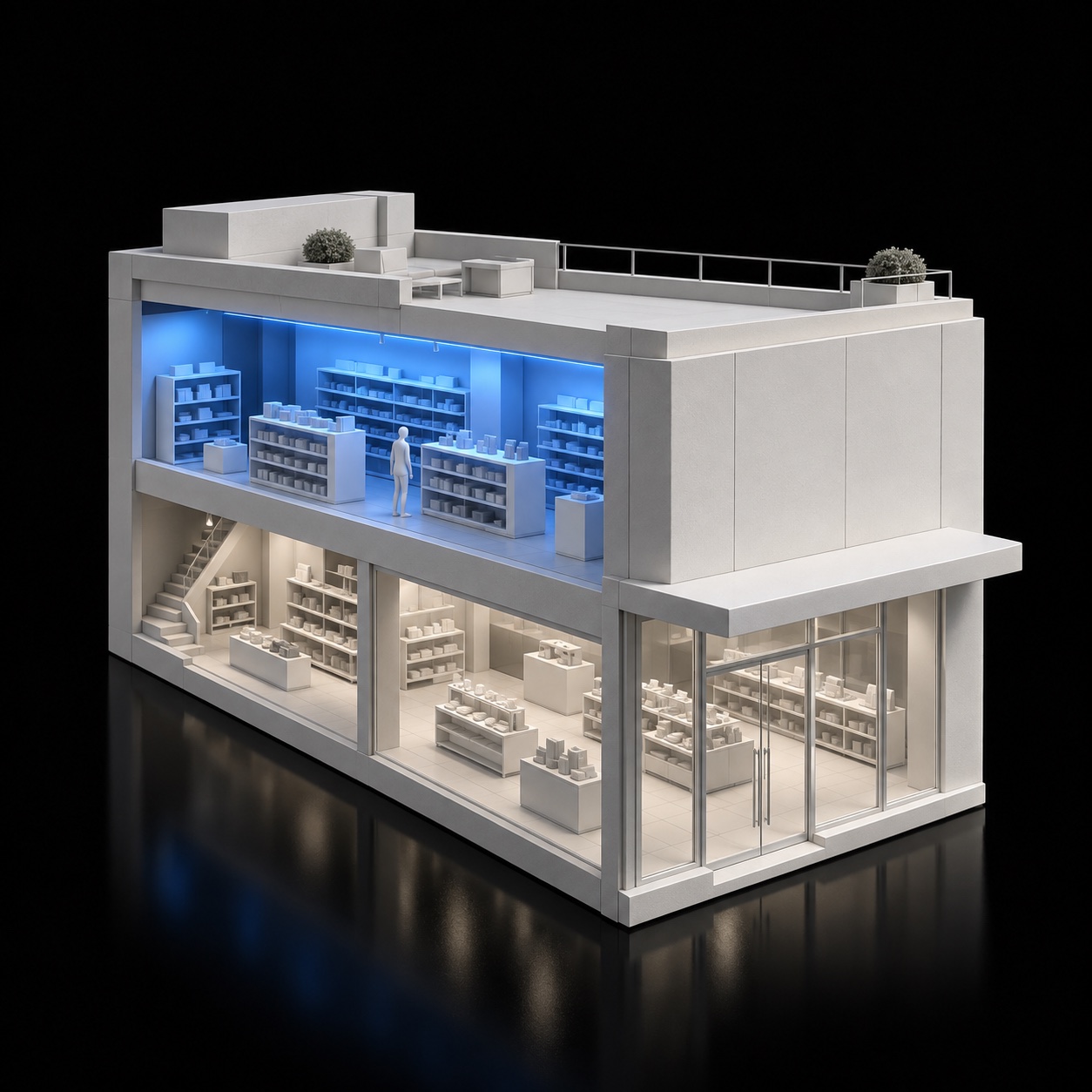 Retail chain
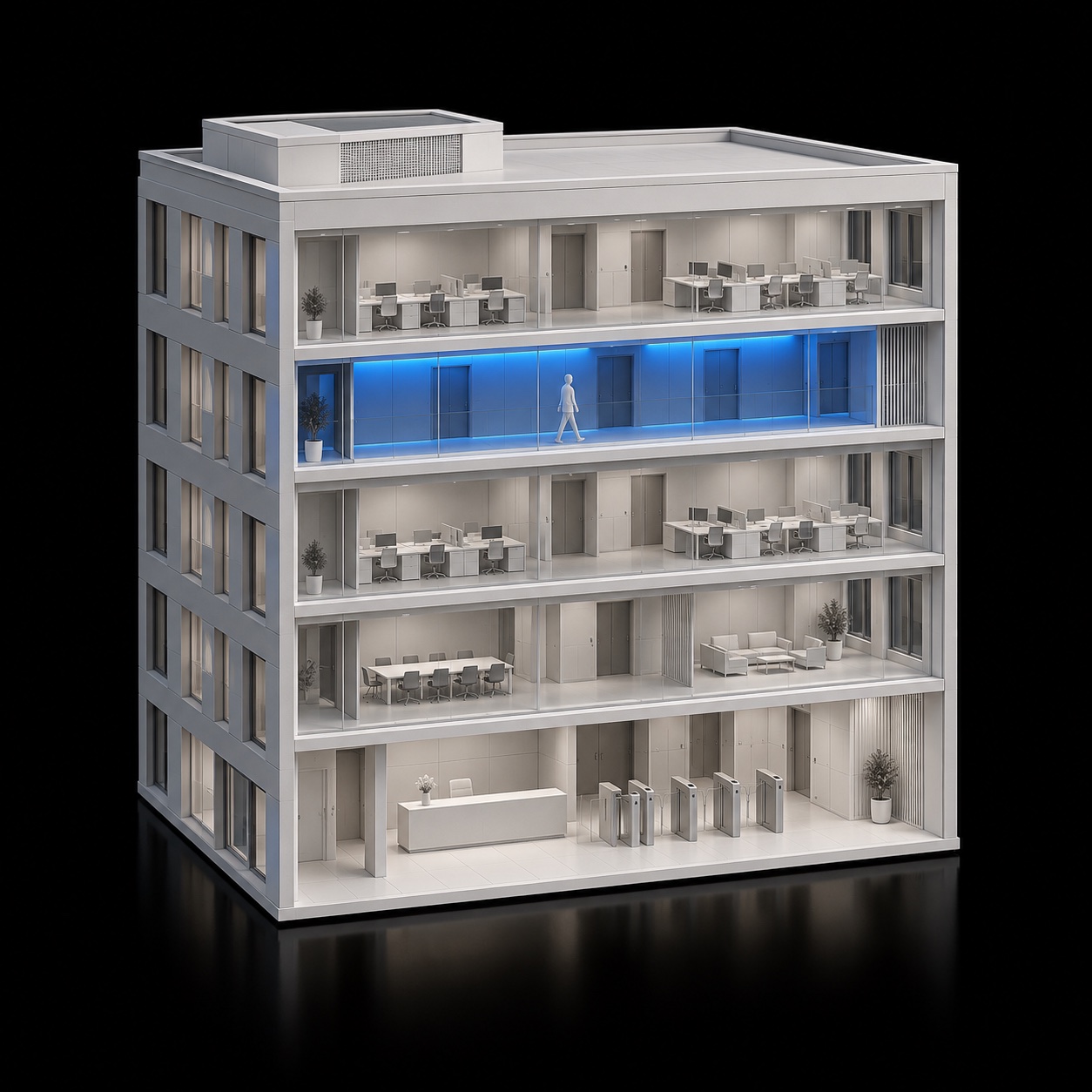 Security and facilities
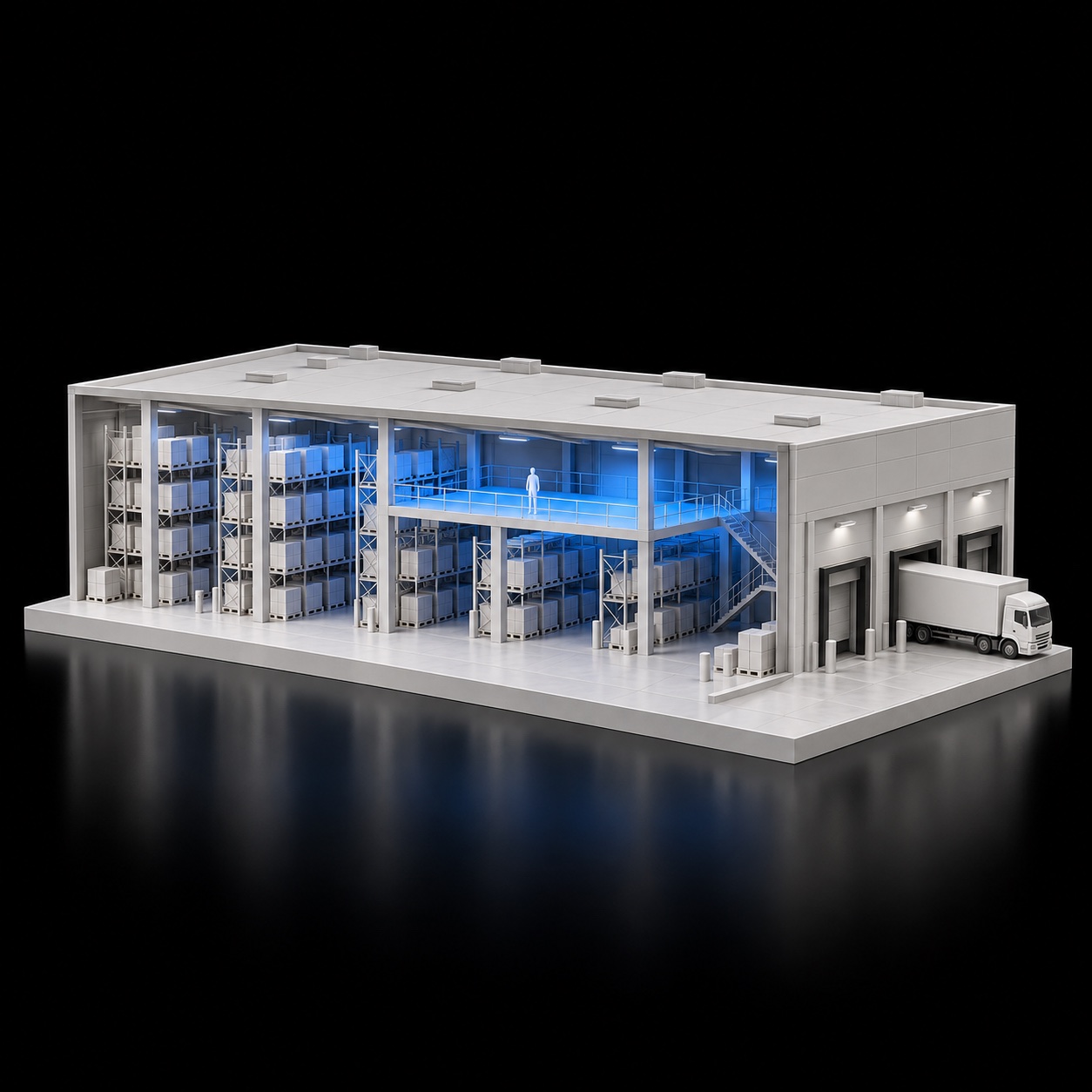 Logistics
Getting started — three steps.
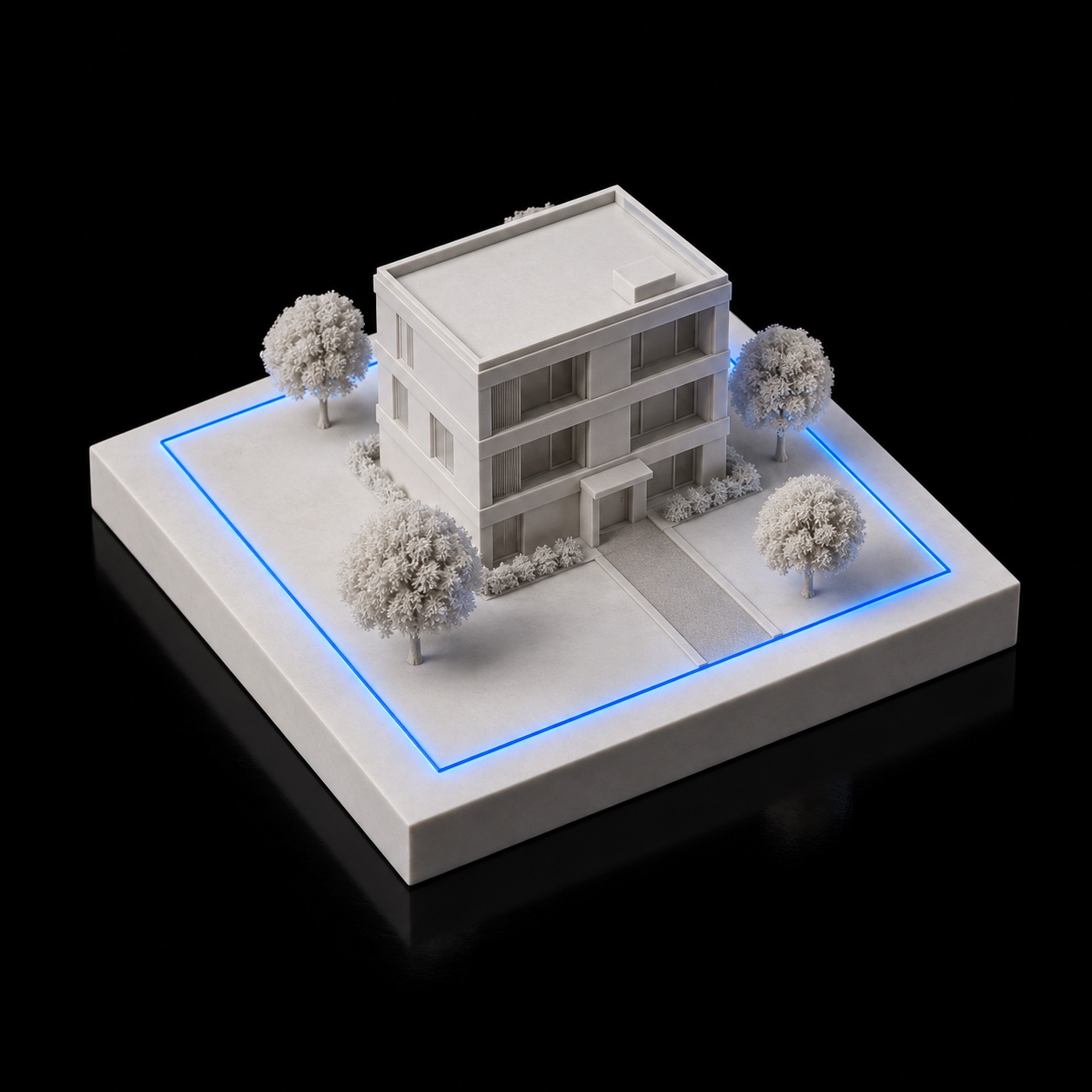 1Draw the site on a mapand fill in its floors —
once, in the admin panel.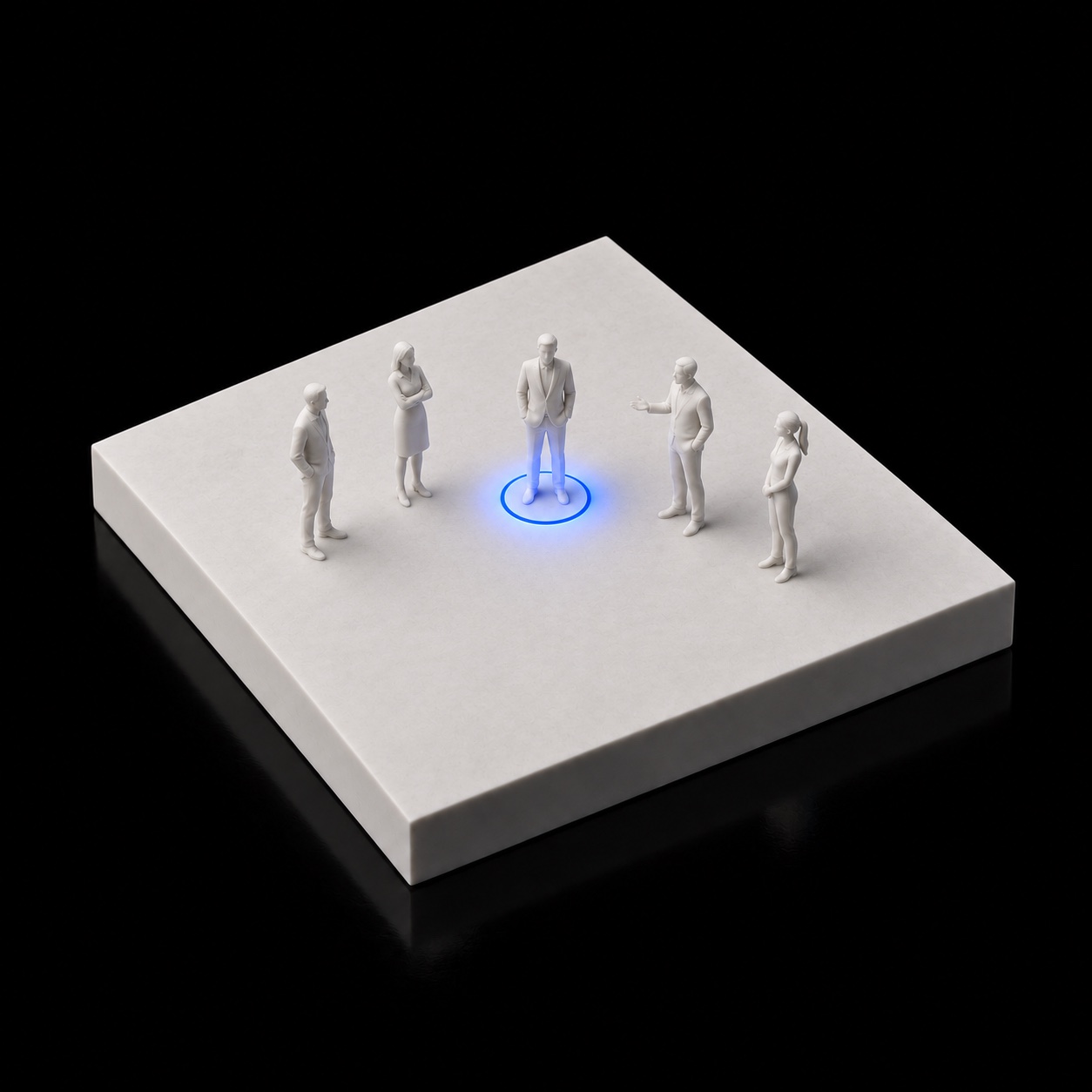 2Add your employeesName and personal number.
 3The phone does the restAttendance, floor, safety.
Step 1
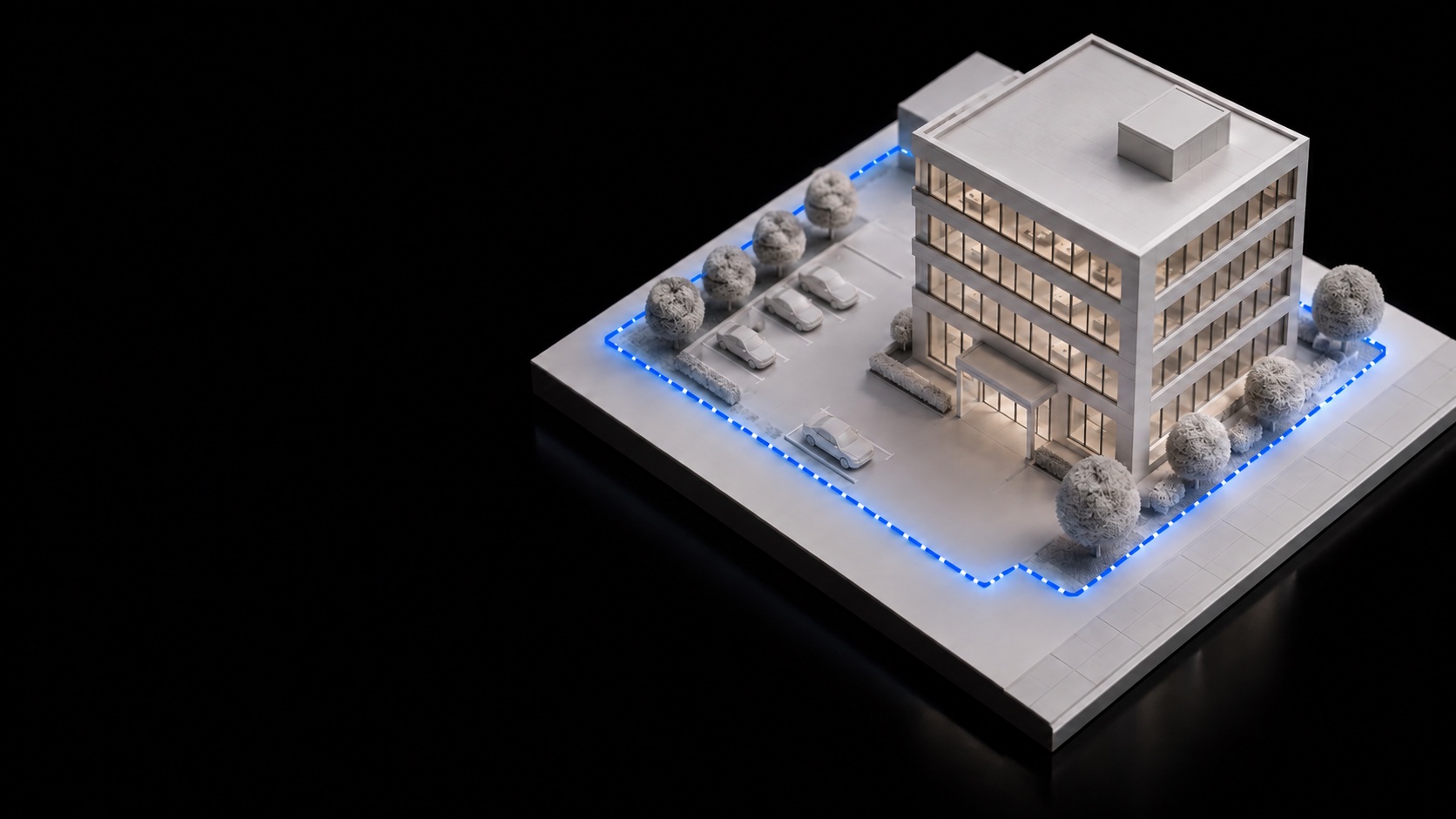
Draw the site’s boundary on a map.
Inside the boundary, people are tracked. Outside, they’re not.
Step 1
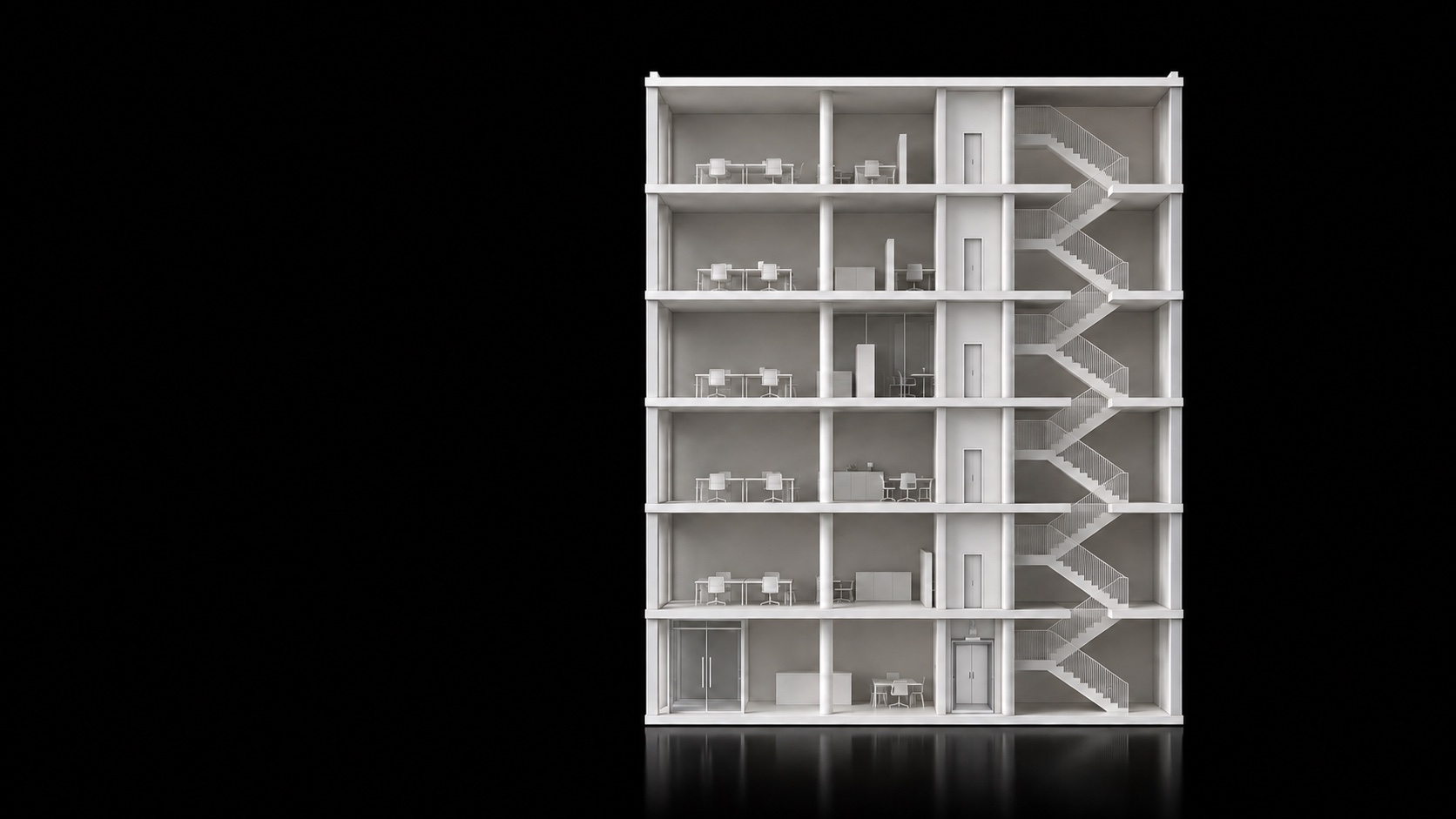
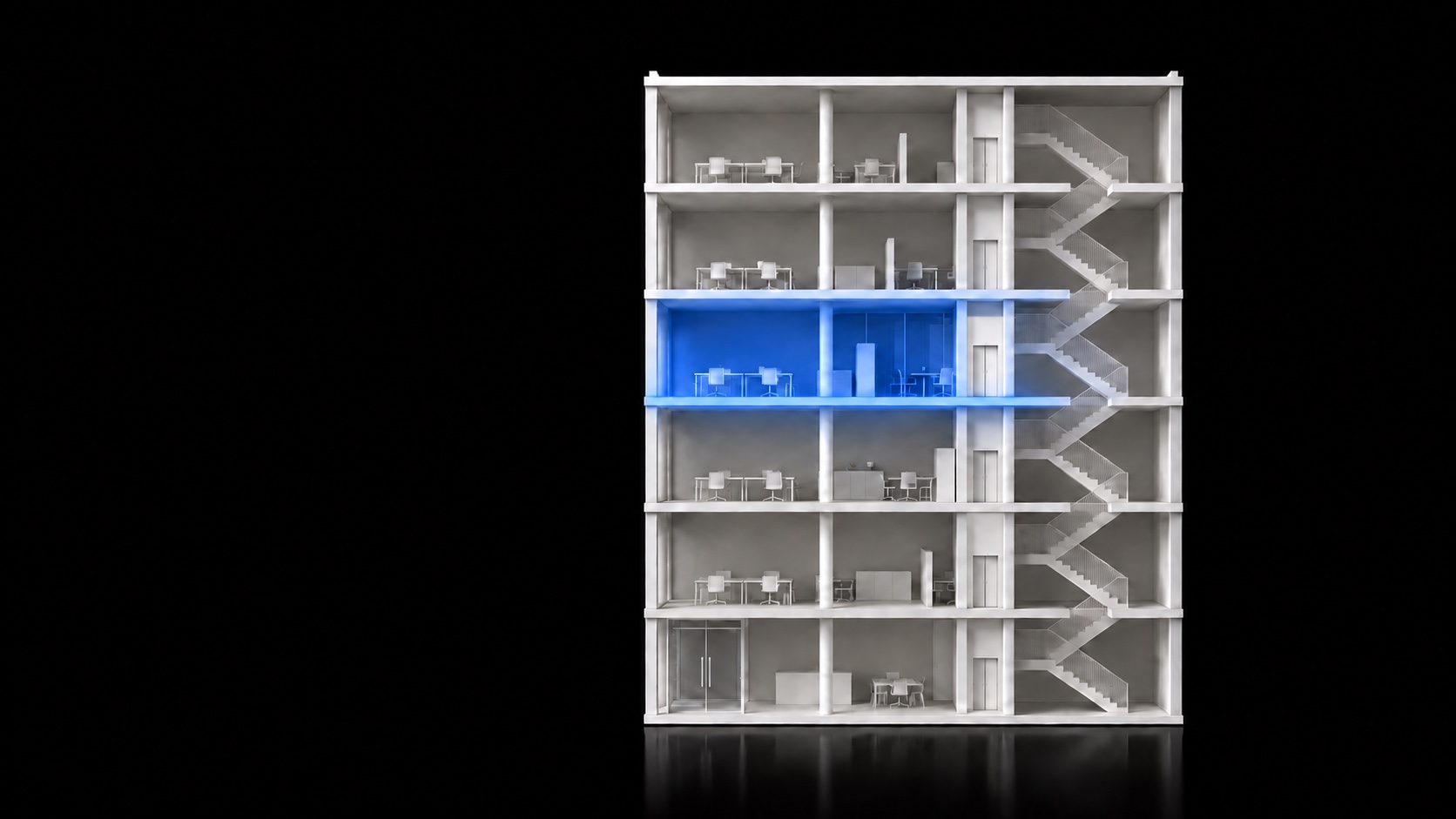
Floors — set once.
Enter the number of floors once, in the admin panel. After that, it’s all automatic.
Getting started — three steps.
- Draw the site on a mapand fill in its floors —
once, in the admin panel. - 2Add your employeesName and personal number.
- 3The phone does the restAttendance, floor, safety.
Step 2
Add employees by personal number.
No password needed — each phone is tied to one person.
Getting started — three steps.
- Draw the site on a mapand fill in its floors —
once, in the admin panel. - Add your employeesName and personal number.
- 3The phone does the restAttendance, floor, safety.
Step 3
Log in once.
Consent comes first.
The app explains up front
what it records and when it stops.
Floor 109:06 · Arrived
Floor 409:14
Ninolive
Floor detection —
automatic.
- 109:06 — Nino walked into the building.
- 209:14 — up to the 4th floor.
- 3The supervisor sees it right away: 4th floor.

Accurate to the floor.
No hardware.
- ±1–2 mAccuracy in good conditions
- 0 ₾Extra hardware in the building
- 0Buttons to press — attendance and floor are automatic
Nino’s day — as her phone sees it.
09:00
09:06Arrived
09:144th floor
13:04Break
13:56Back
15:30Stepped out
16:10Offline — still recording
18:03Day closed
- 7:39On site
- 52 minBreak
- 23 minOff site
- 6 minLate
09:06 · Attendance started
No card. No Face ID.
Just walk in.
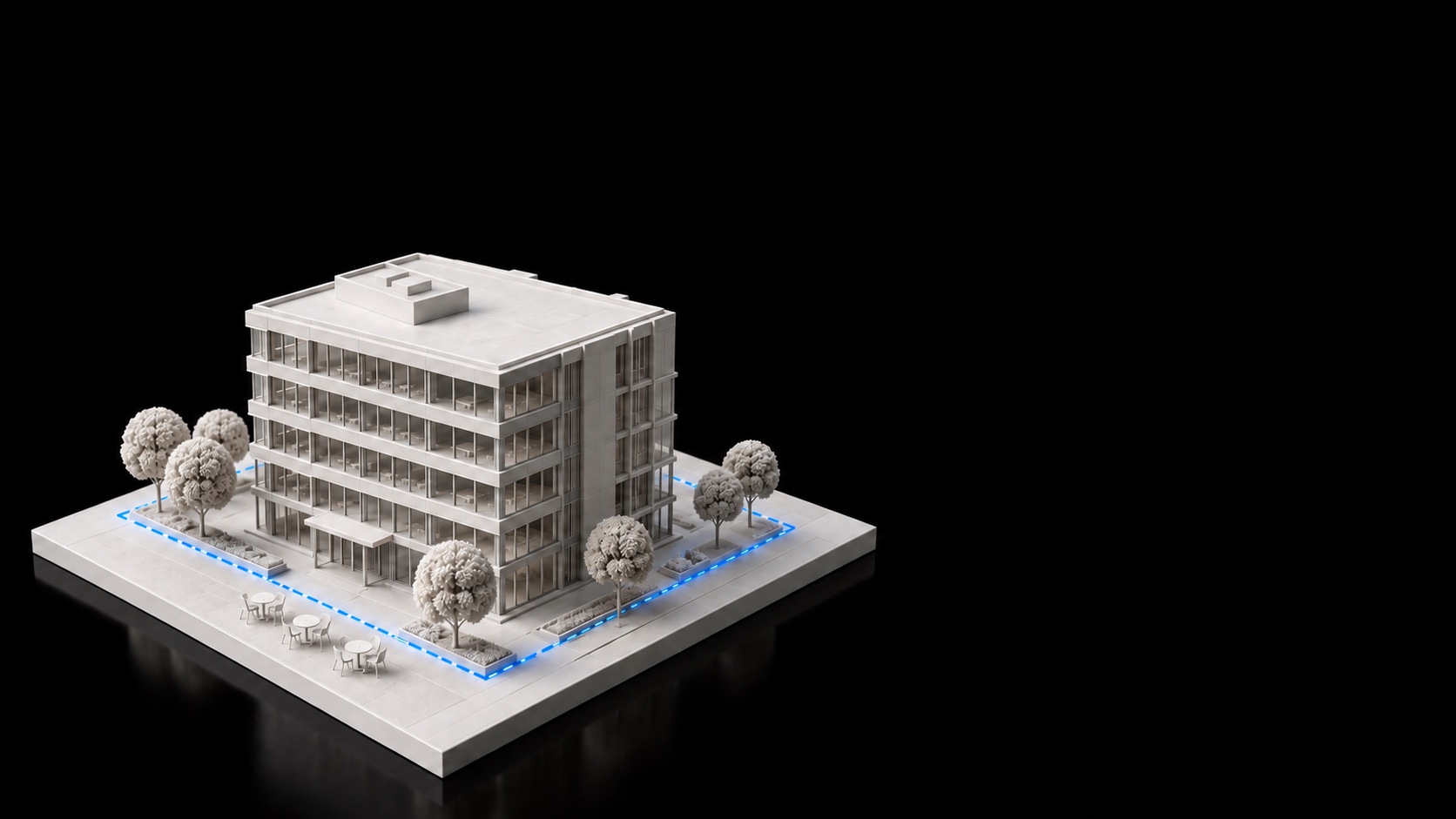
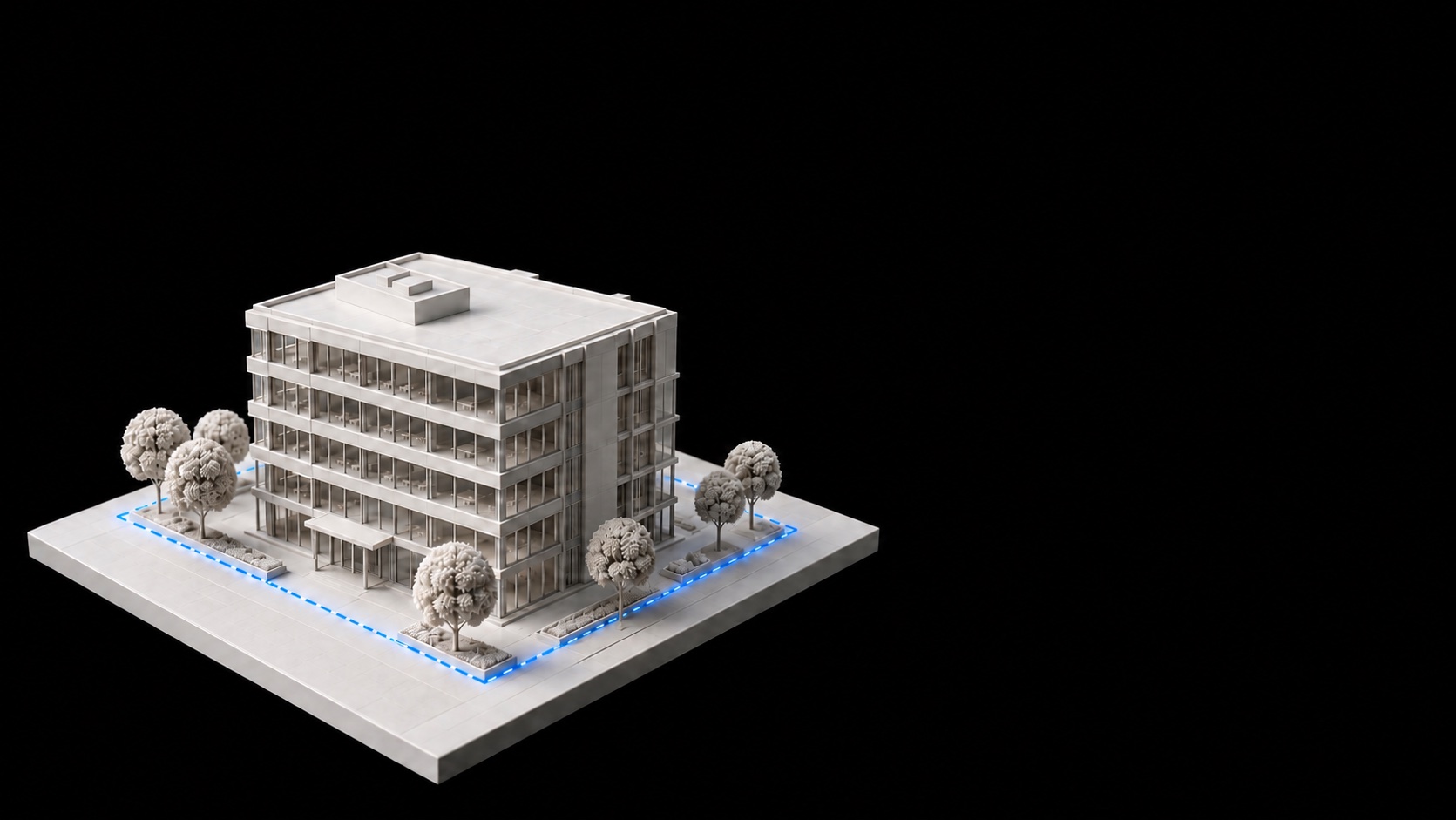
The phone notices on its own when an employee crosses the site boundary.
09:06
Nino walked in.
Attendance started
on its own.
She was 6 minutes late — that was logged automatically, too.
09:14
The supervisor
sees who’s
on which floor.
Nino is on the 4th floor right now.
13:04 · Break
13:04
Breaks log themselves, too.
Her supervisor sees: “On break.”
15:30 · Off site
15:30
Time off site is counted separately.
Mid-shift, outside the break window.
16:10
No internet?
Nothing
gets lost.
The phone saves every record and sends it later.
7:39
Hours on site. The day closed itself.
One late arrival, one break —
and nobody wrote down a thing.
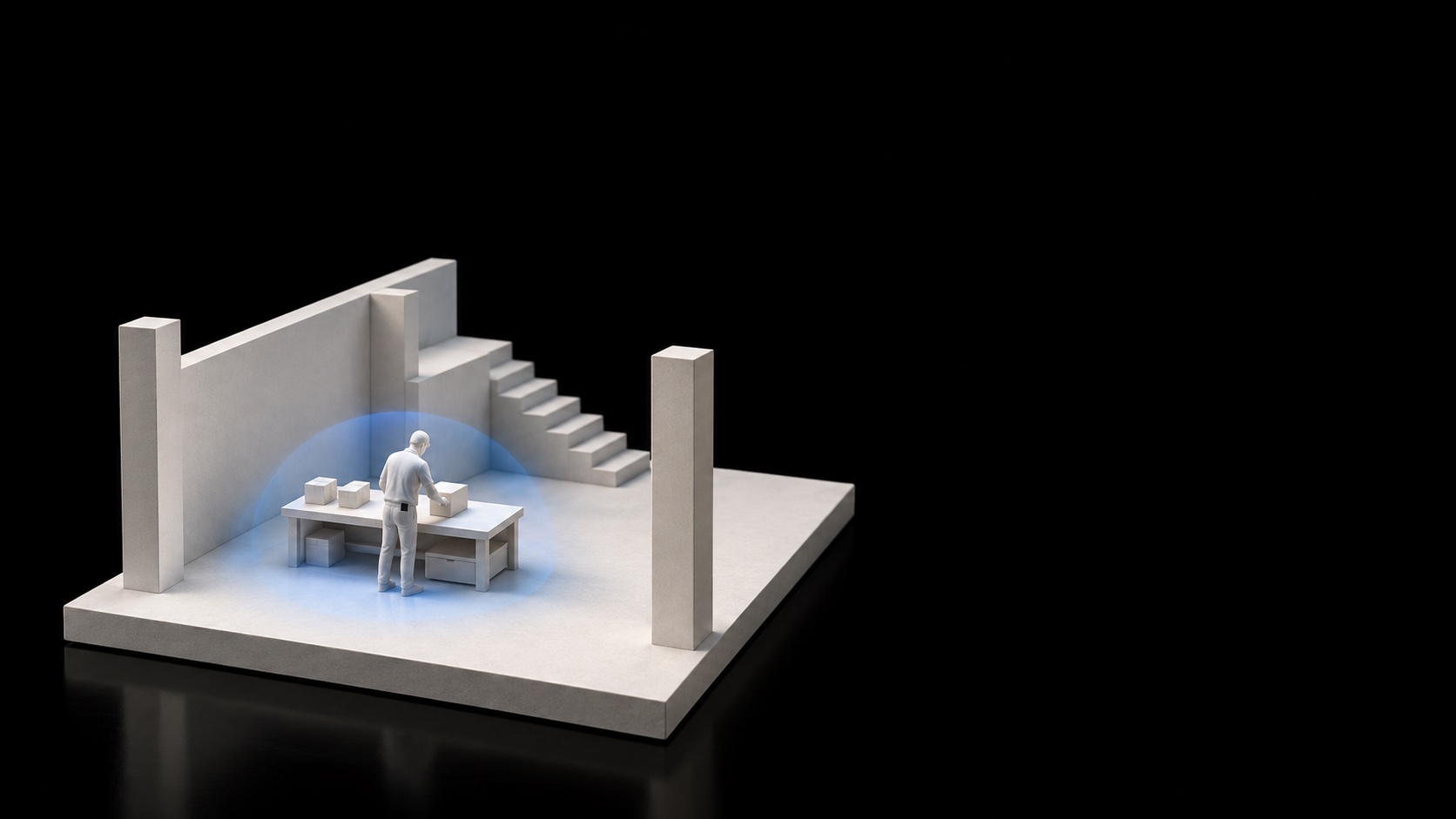
11:20
Safety watch.
The employee turns it on. After 12 hours, it turns itself off.
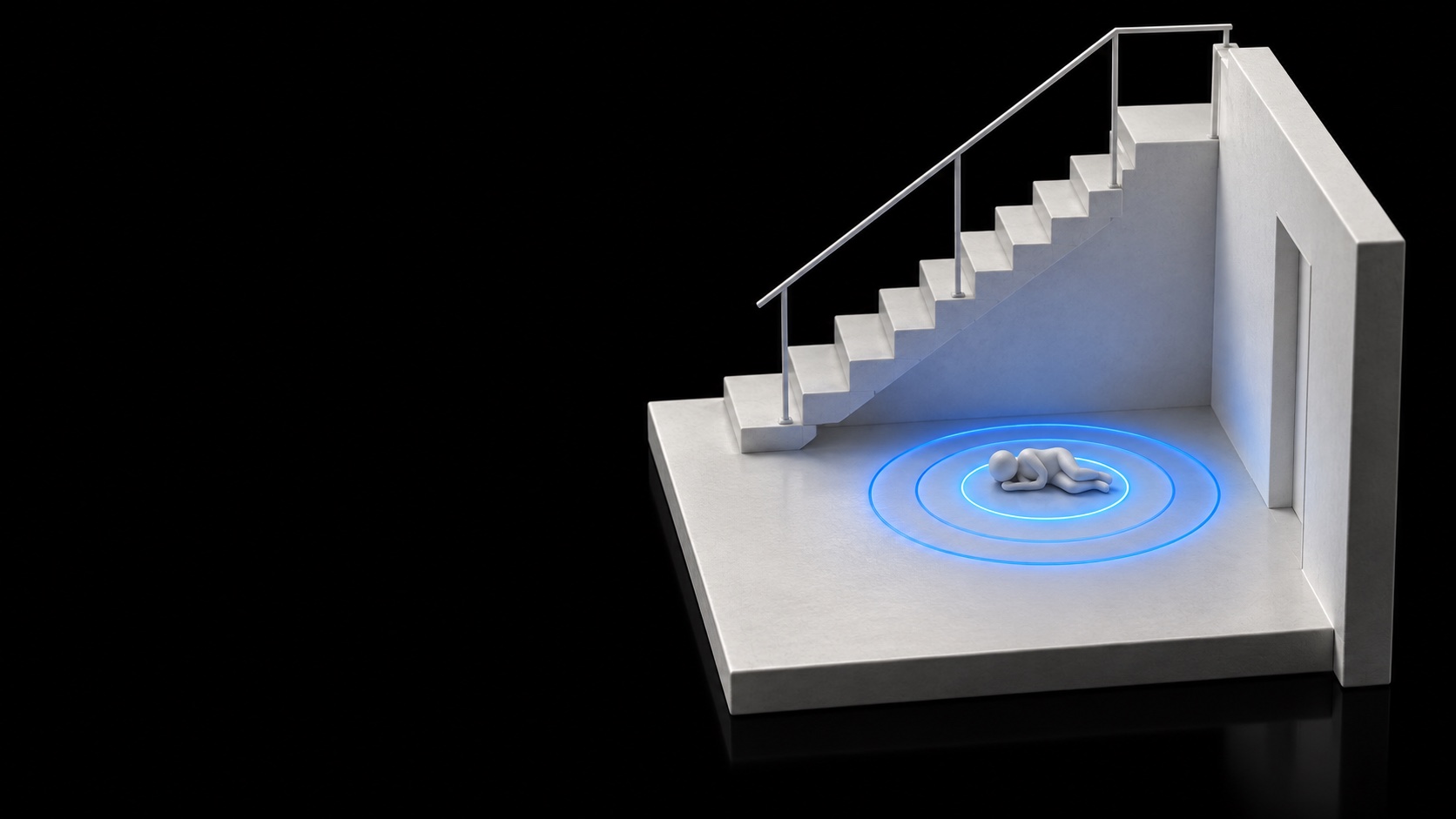
The phone
detects a fall.
In a pocket, screen locked —
even with the app closed.
30seconds
After a fall, the phone checks with the employee first.
If there’s no answer, every responder
gets the name and floor.
11:21
“Are you OK?”
One tap — “I’m OK” —
and nothing is sent.
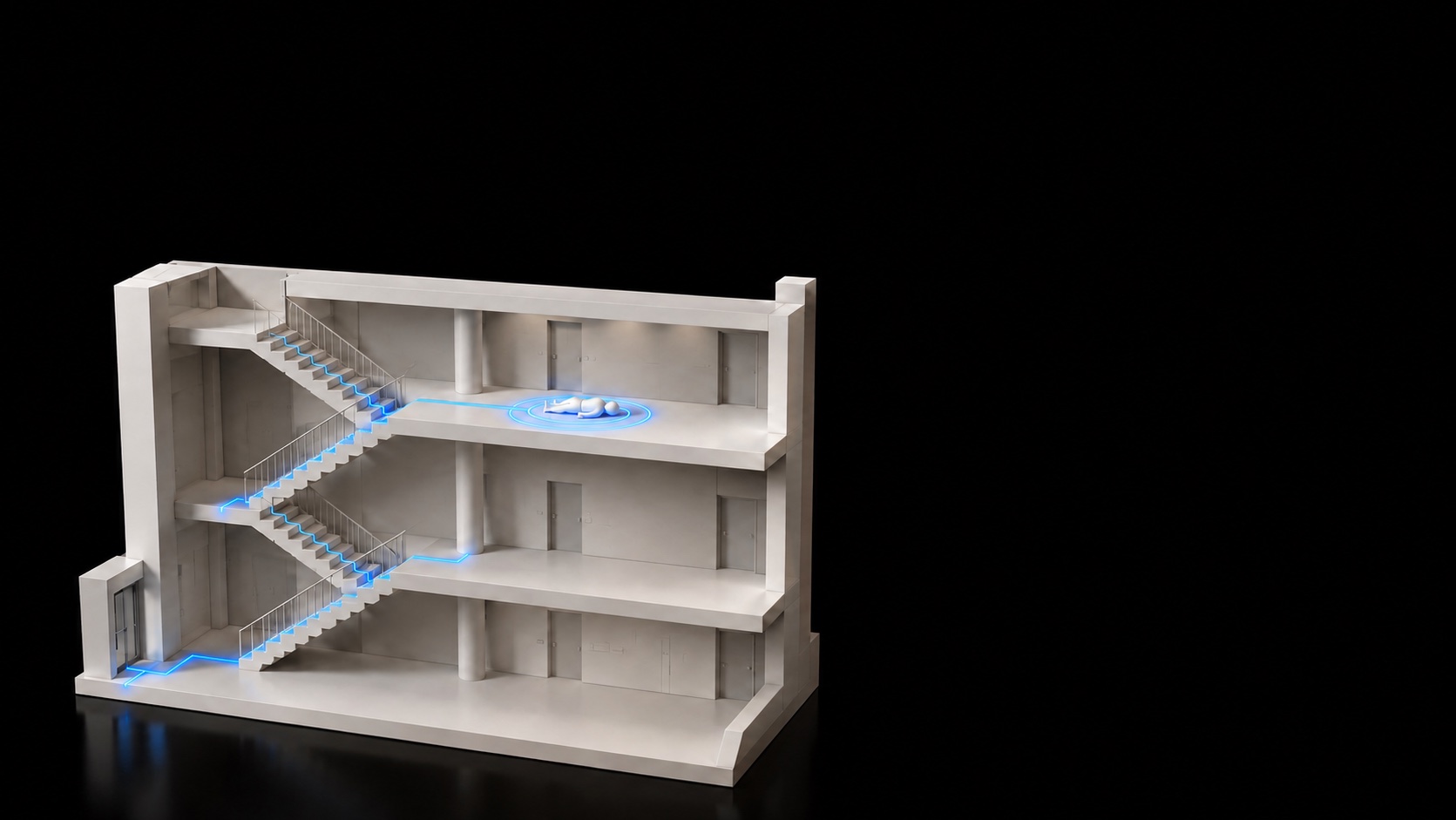
11:22
Help — to the right floor.
Responders get the name and floor.
Who, when, which floor.
A responder acknowledges the alert and resolves it. Every step is logged.
SOS —
one tap.
Your supervisors instantly know where you are — and on which floor.
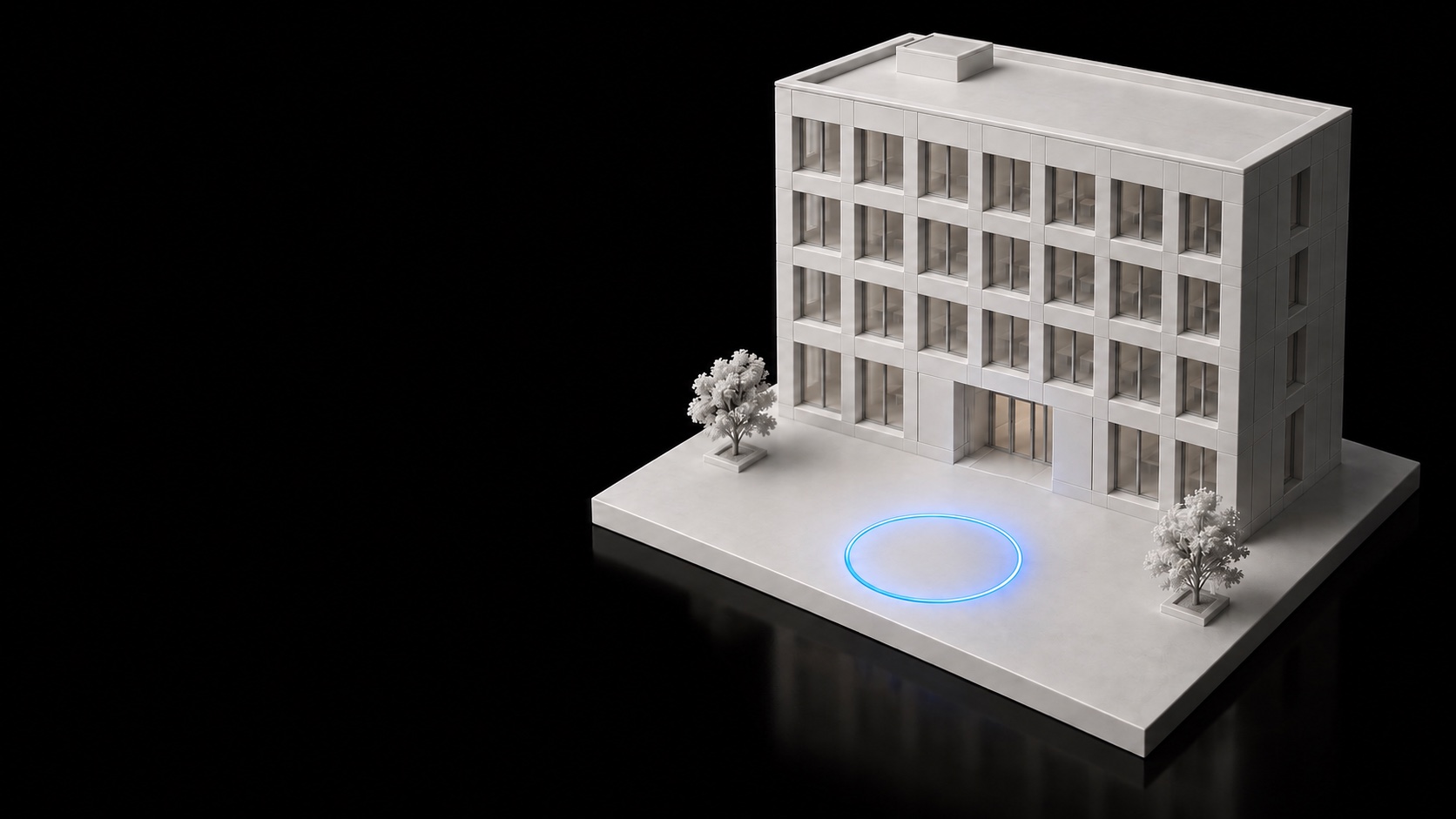
Evacuation —
one tap.
Everyone on site gets an alert — each person marks themselves safe.
7 of 9 are safe.
The other two stay on the list, with their last known floor.

No more
timesheets by hand.
From attendance to payroll — every number is backed by a timestamp.
Pay — by formula, not by timesheet.
Hours come from the phone’s records. The rate and overtime multiplier are set in Settings.
Everyone’s pay — in one table.
With hourly rates, overtime, and travel. Export to Excel, Word, or CSV.
And one more thing.
Ask in your own words. Get answers your way.
Today’s report as text: name — site — arrival time — late or not
AI Report Agent
- Nino Beridze — Vake Center — 09:06 — late by 6 minutes
- Luka Maisuradze — Vake Center — 08:52 — on time
- Ana Gelashvili — Vake Center — 08:58 — on time
- Dato Kvaratskhelia — Vake Center — 09:12 — late by 12 minutes
- Giorgi Lomidze — Vake Center — 08:47 — on time
…3 of 9 employees were late.
The report — exactly as you described it.
Copy the text with one click.
“Who was late this month?”
A plain question. The answer — a table in Excel, Word, or CSV.
See where every number comes from.
The assistant only reads — it never changes anything.
One phone. One platform.
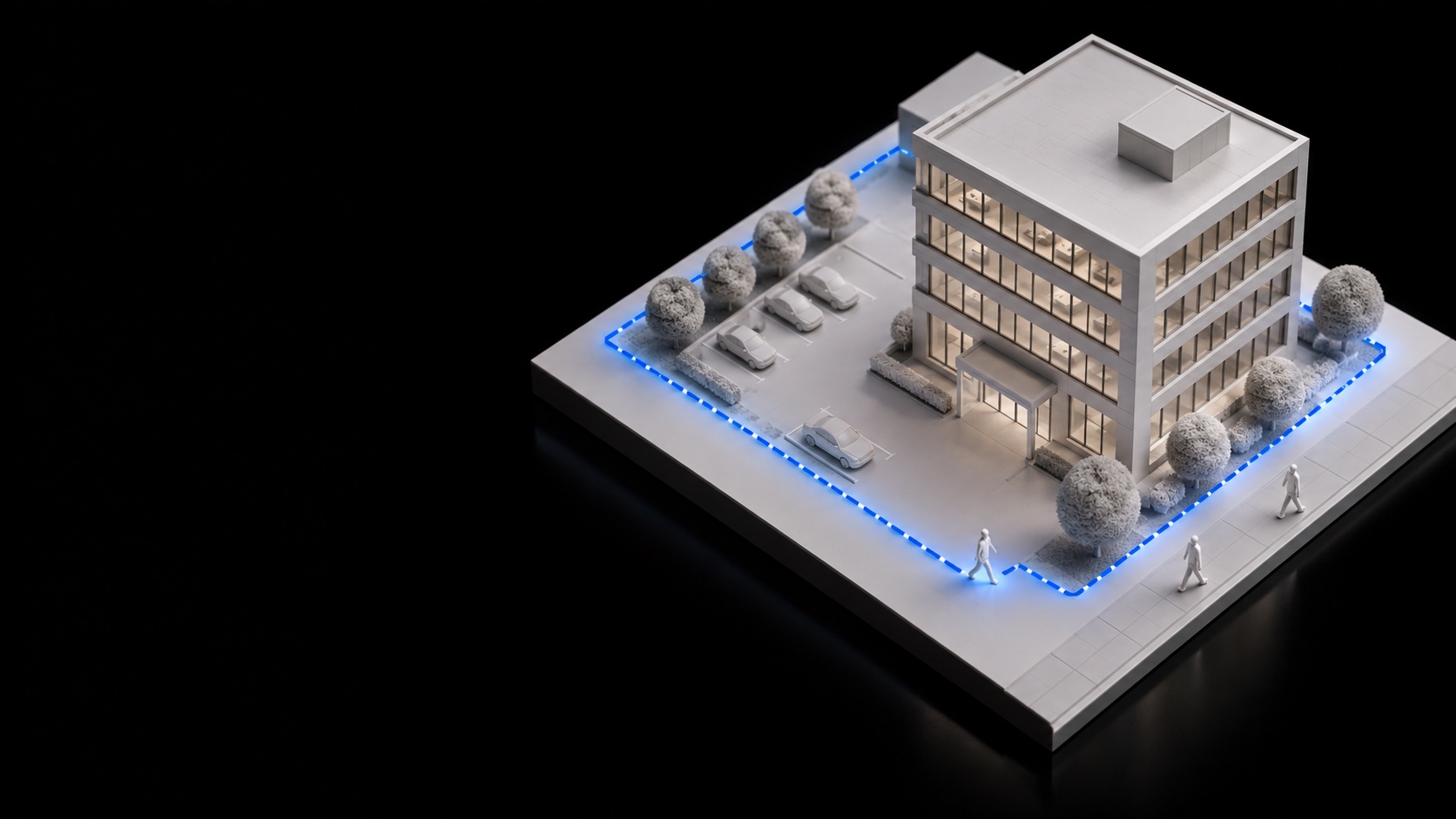
AttendanceAutomatic — no button, no card
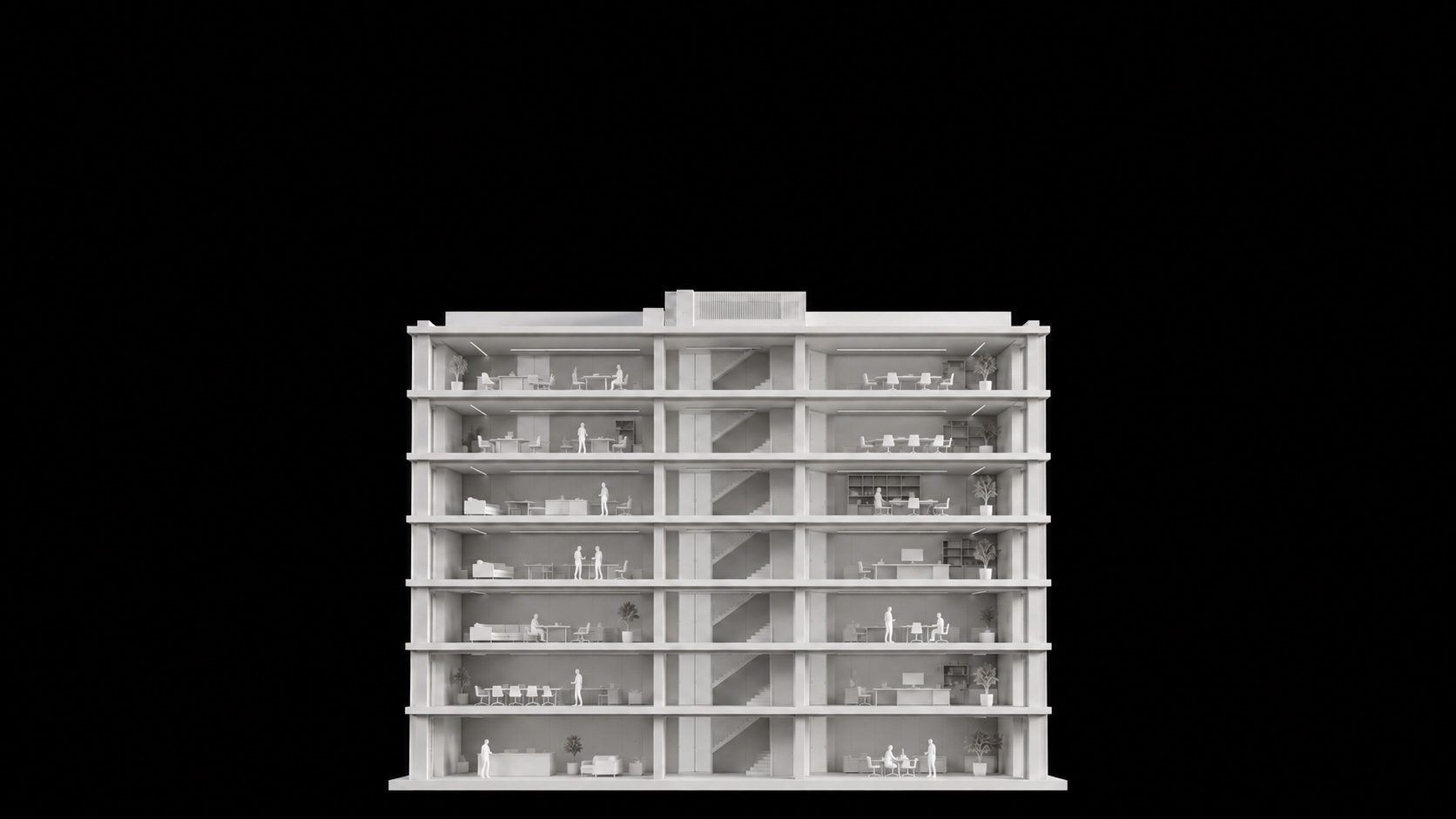
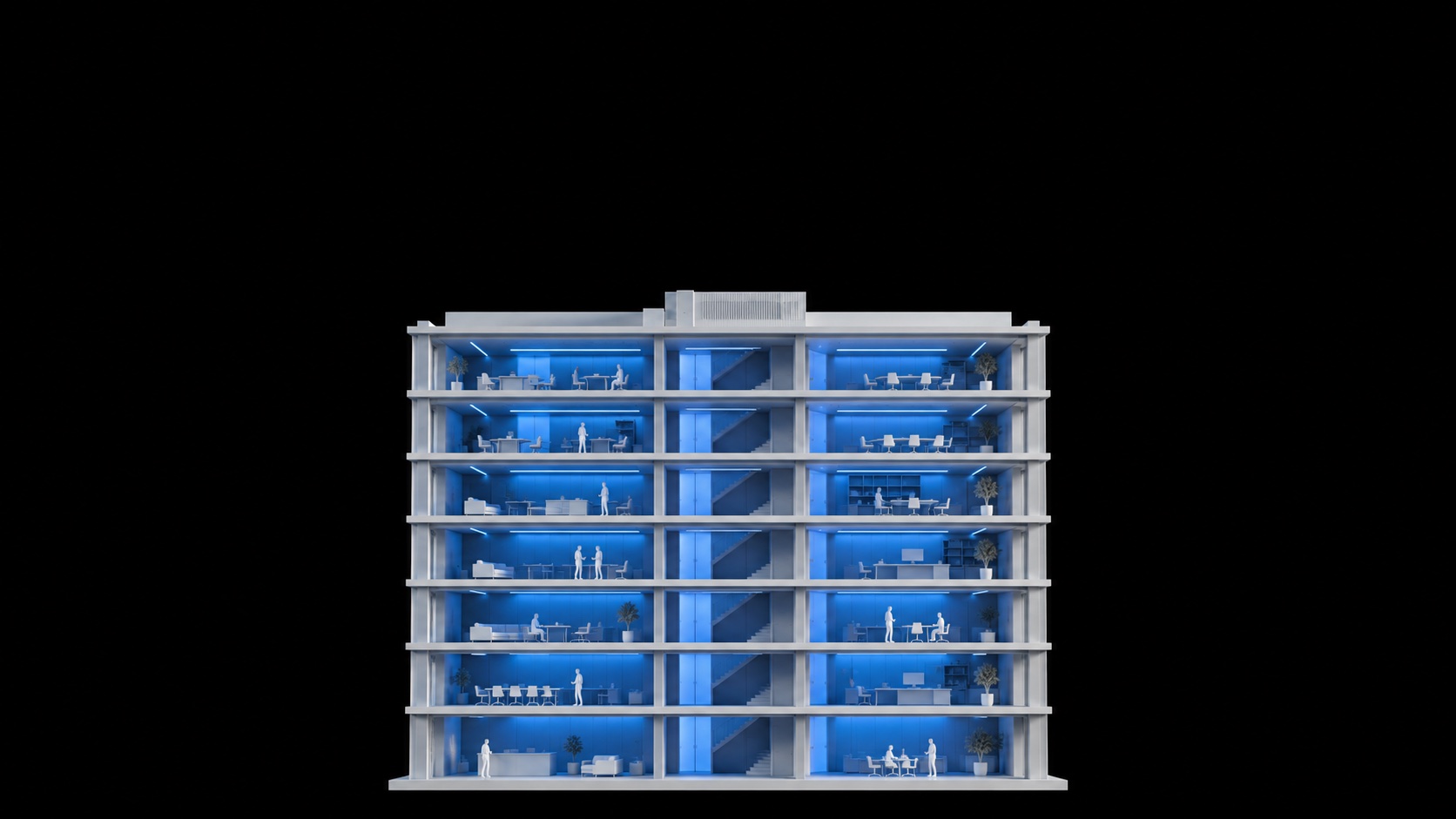
Every shift. Every floor.
CI Platform